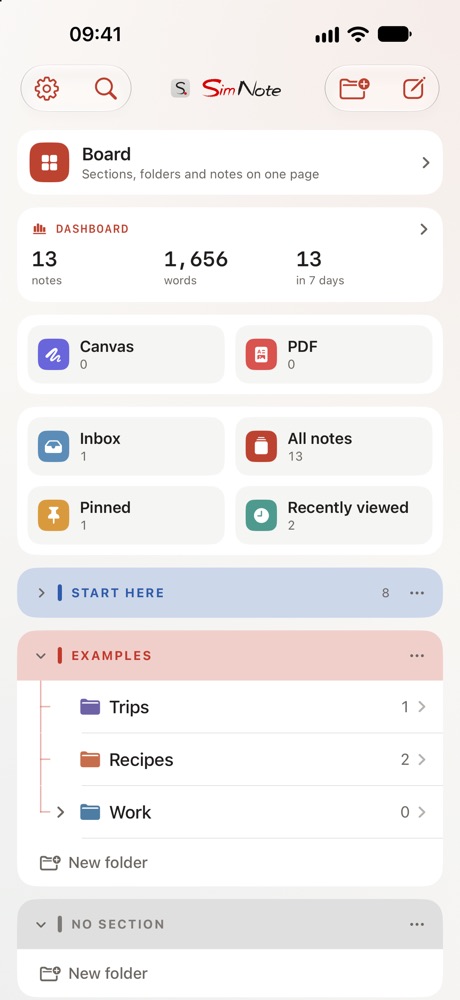
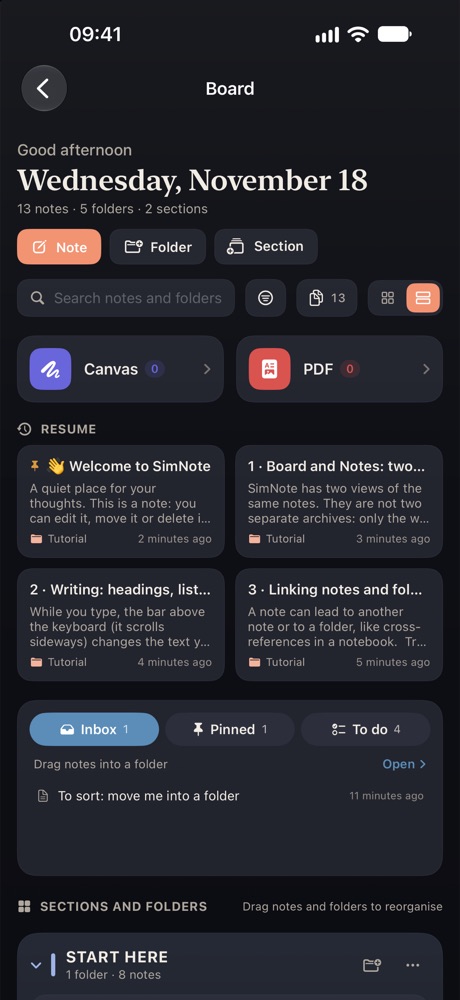
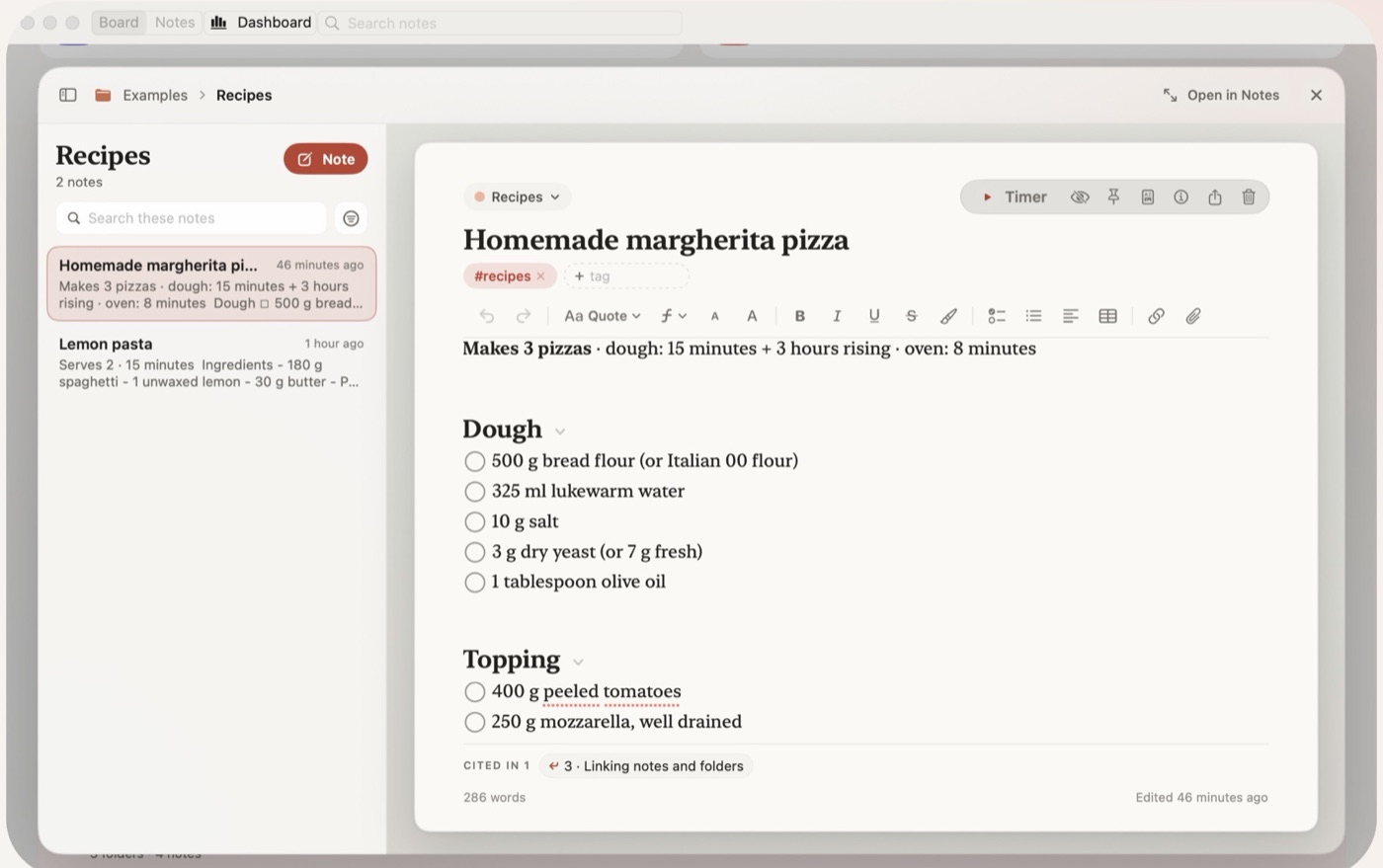
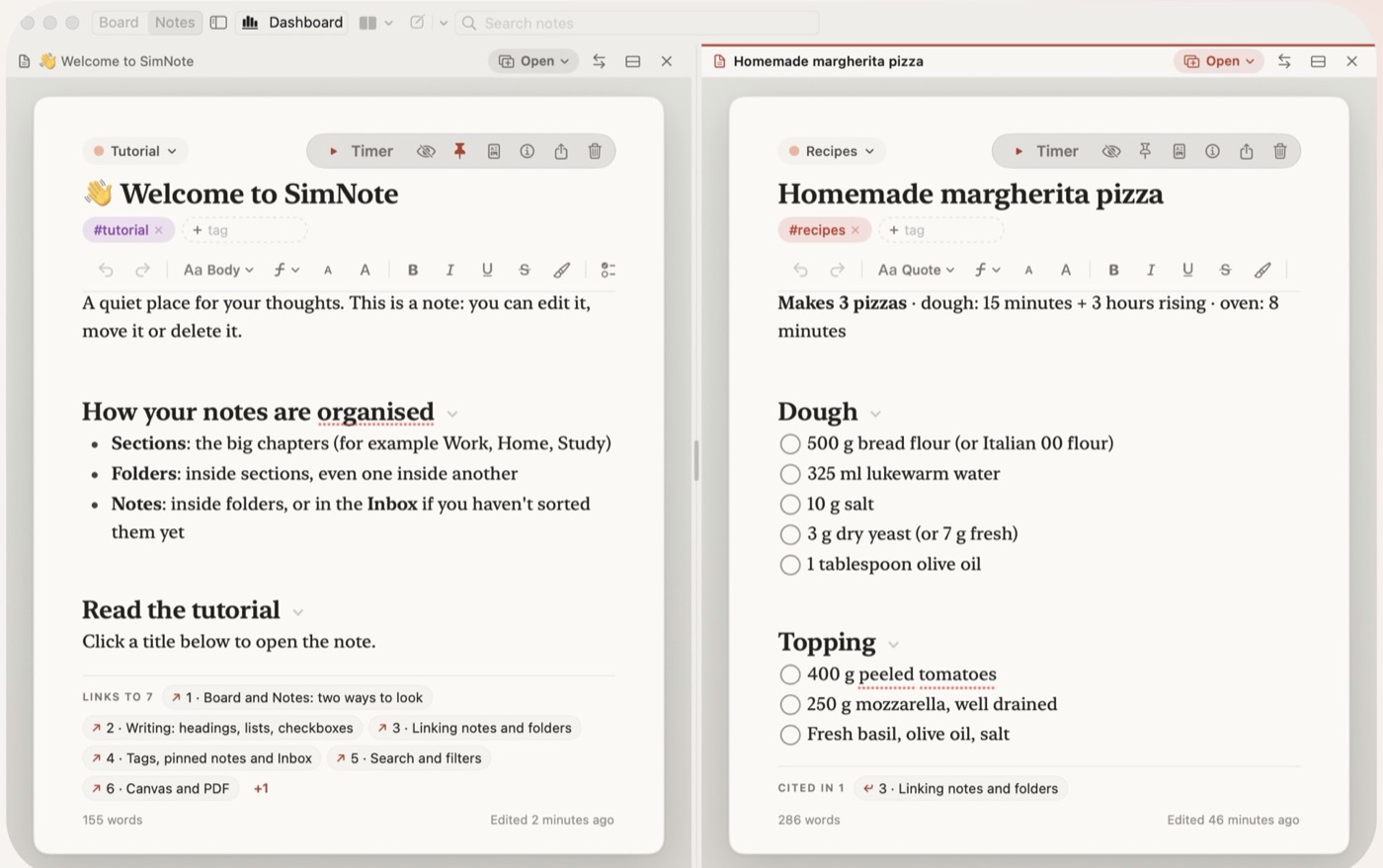
Split view, separate windows and keyboard shortcuts on Mac.
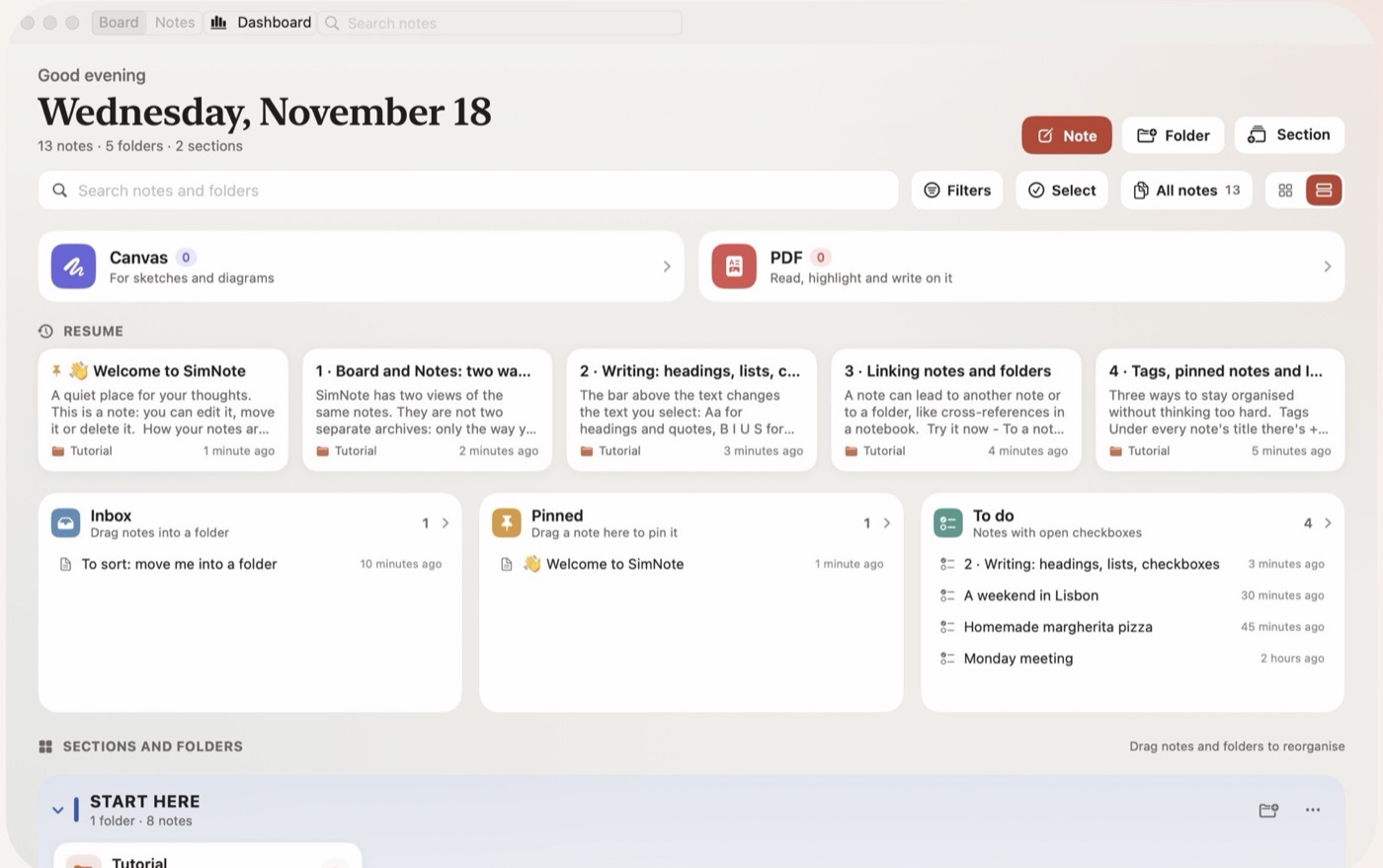
Your whole archive, on one desk.
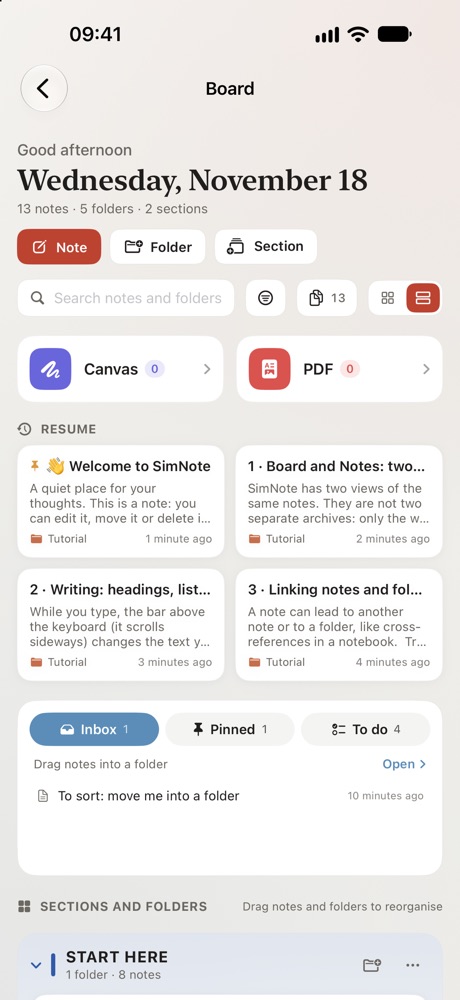
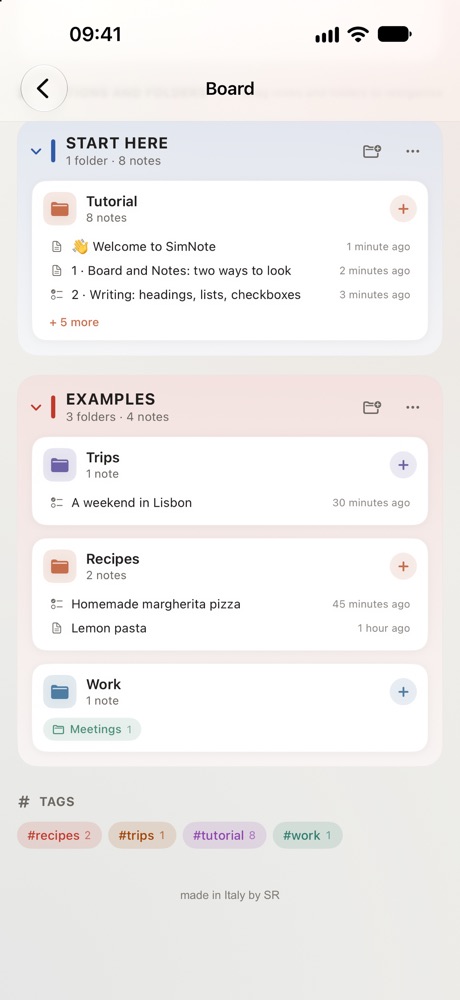
SimNote lays every note out like sheets on a table: coloured sections, folders as cards, the latest things you wrote always within reach. When it's time to write at length, switch to the classic view and keep going.
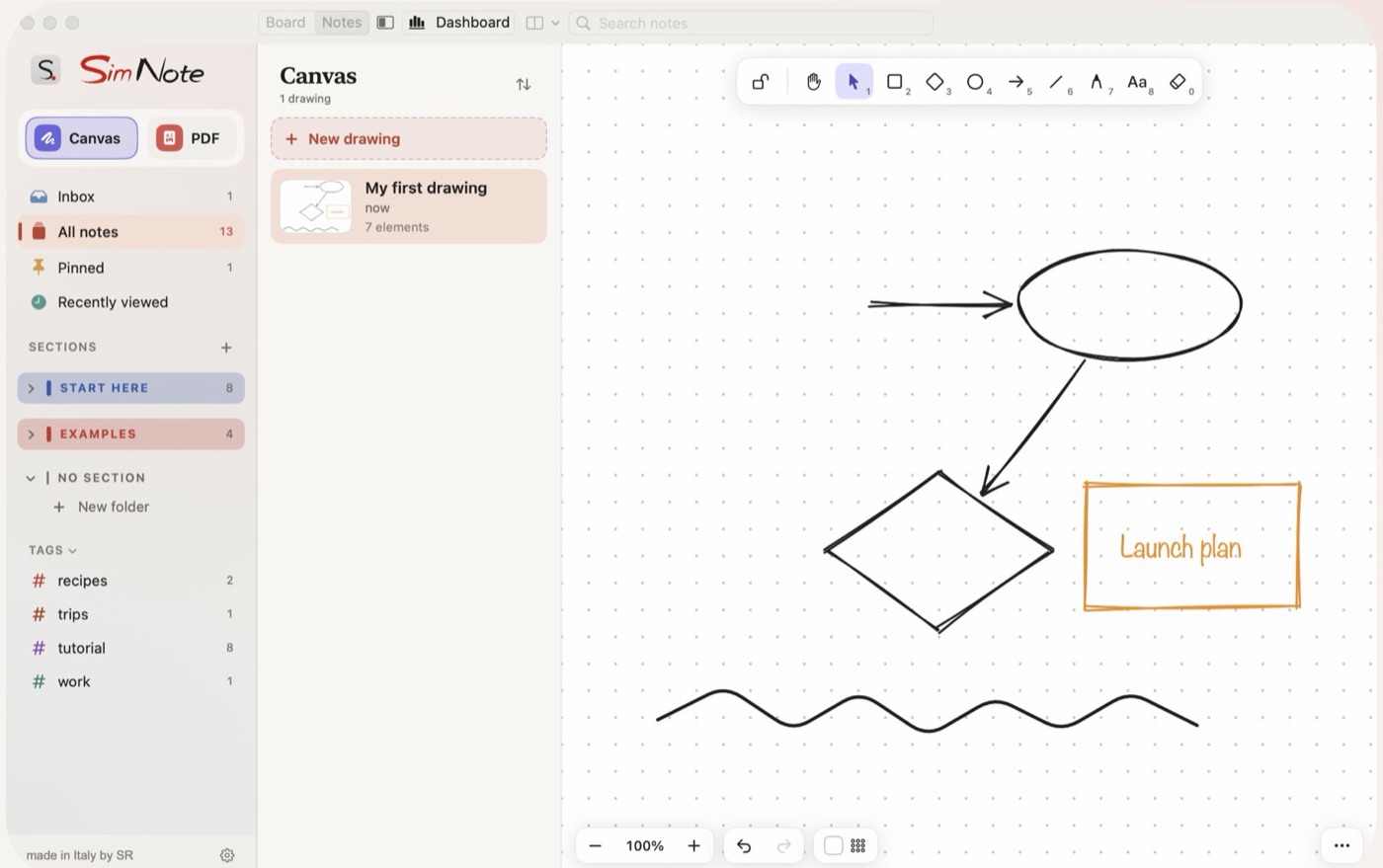
Link notes together, sketch on a free canvas, mark up a PDF — and find any of it again in a second.
01Board & Notes
Two ways to look at the same notes: everything at a glance, or one page at a time.
02Write your way
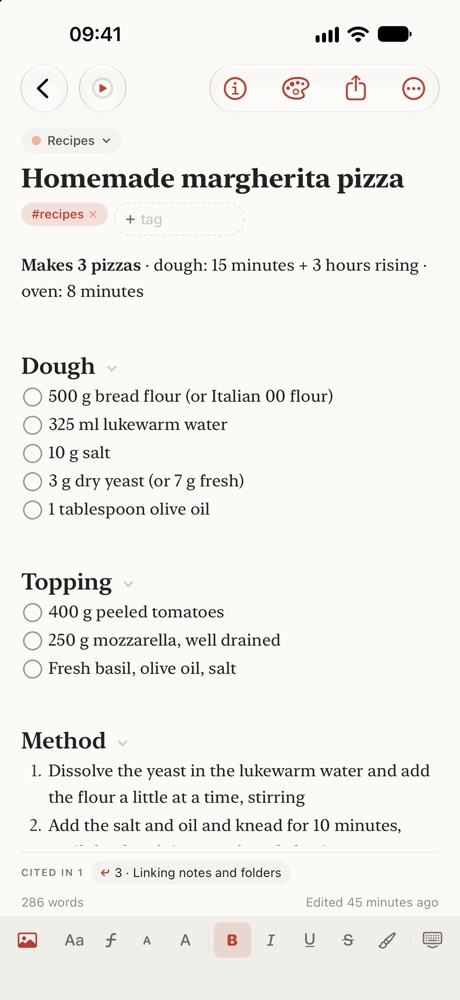
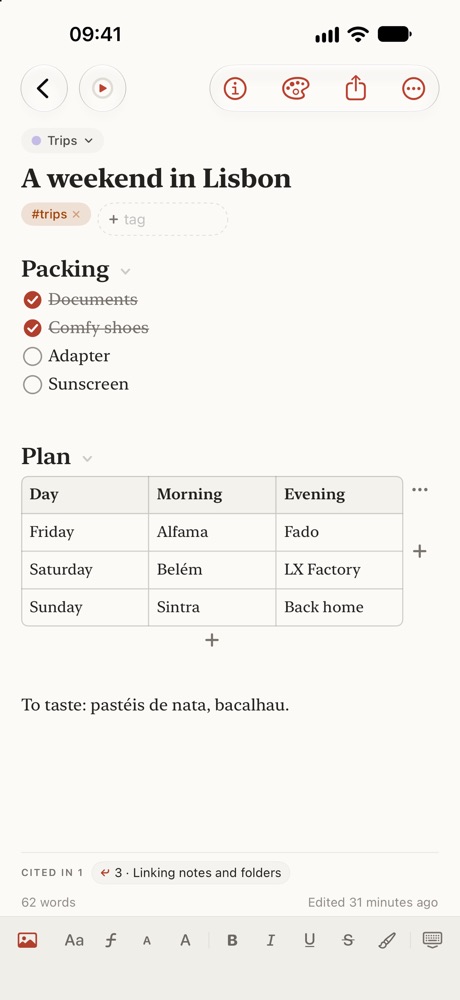
Collapsible headings, checklists, tables that grow, highlights — and a paper for every mood.
03Everything linked
Connect a note to another or to a whole folder. See where each idea is mentioned.
04Canvas & PDF
Sketch diagrams and mind maps, or import a PDF to highlight and write on it.
05Find it fast
Search every note and filter by section, folder or tag. An Inbox catches quick ideas.
06Focus mode
A built-in timer for distraction-free sessions, with themes made for long reading.