CategoryUtilitiesVideo
Works withSafariYouTube · Twitch
DeviceMacmacOS 14+
PriceFreeno ads, no account
Keep watching. Keep working.
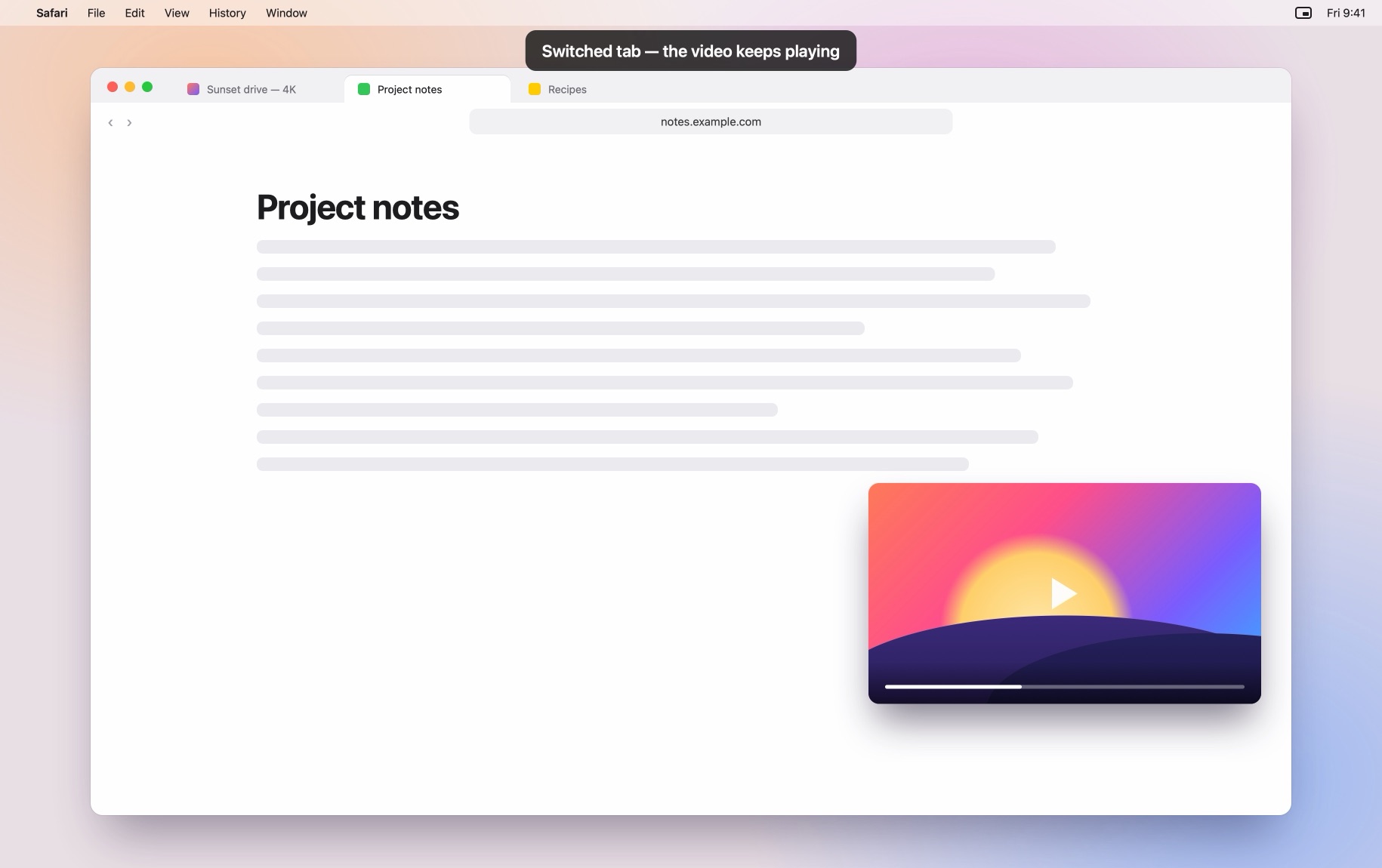
Switch to another tab and the video you were watching pops out into a small floating window, by itself. Come back, and it slips back into the page.
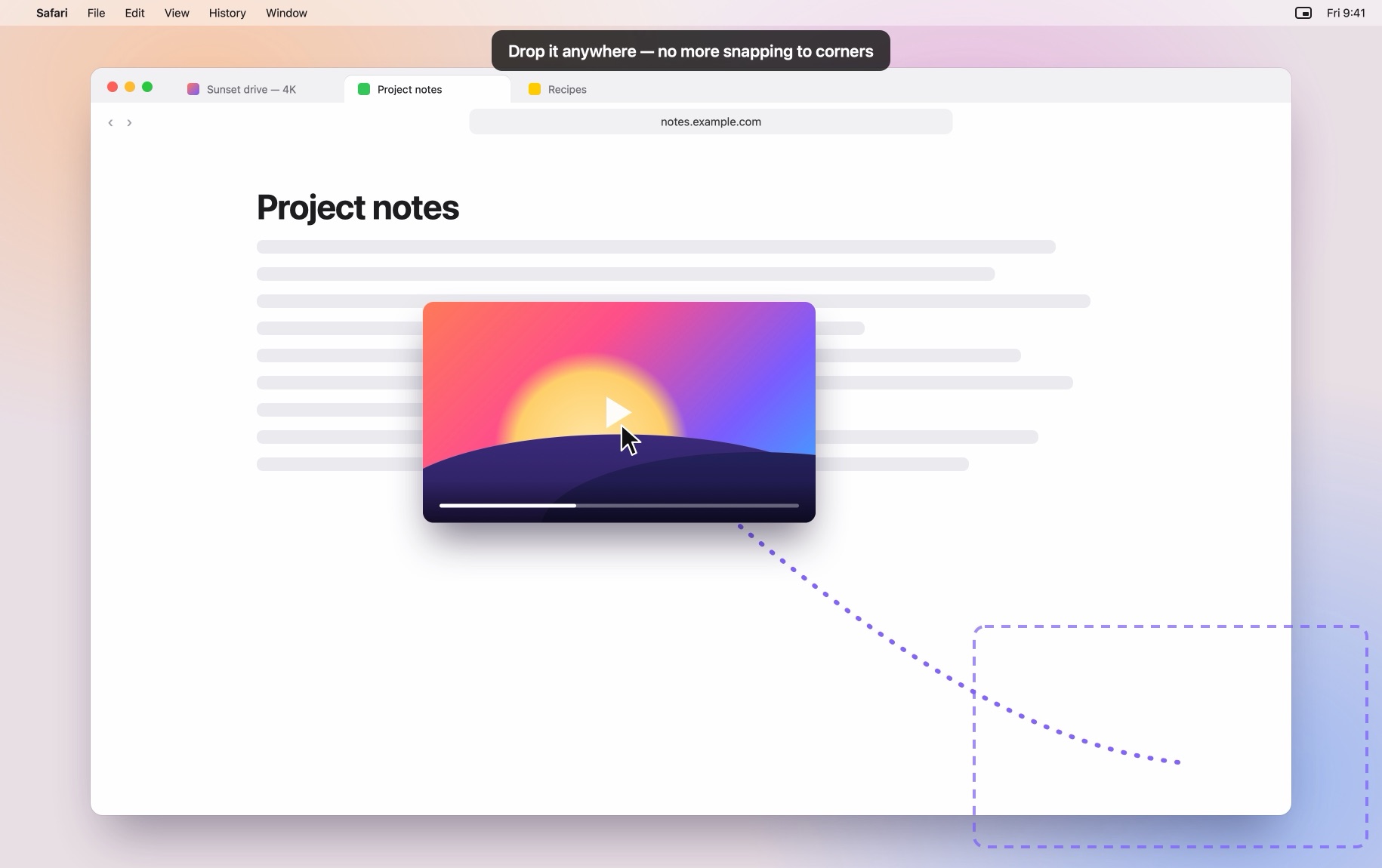
Then put that window wherever you like. macOS normally pushes Picture in Picture into a corner; with AutoPiP it stays exactly where you drop it — and opens there next time.
Two small things that finally work together, in one simple app.
01Automatic on tab switch
Leave the tab and the video floats. Return and it goes back into the page.
02Put it anywhere
Drag the window to any spot on screen. No more snapping to the corners.
03Remembers its place
The next video opens right where you left the last one, with a smooth glide.
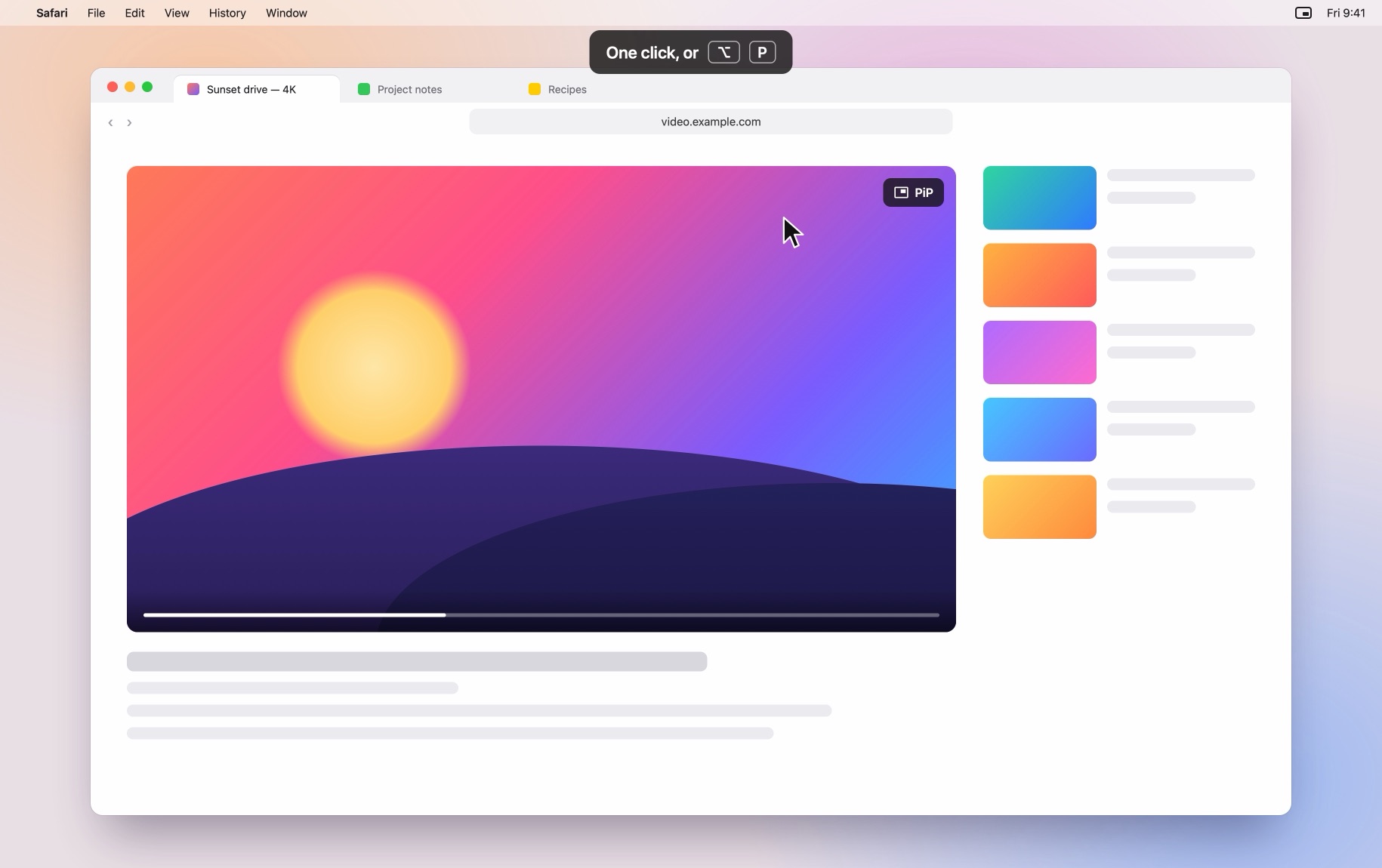
04One click or ⌥P
A small PiP button appears over the video. Or just press Option-P.
05YouTube & Twitch
Works on videos, live streams and embedded players in Safari.
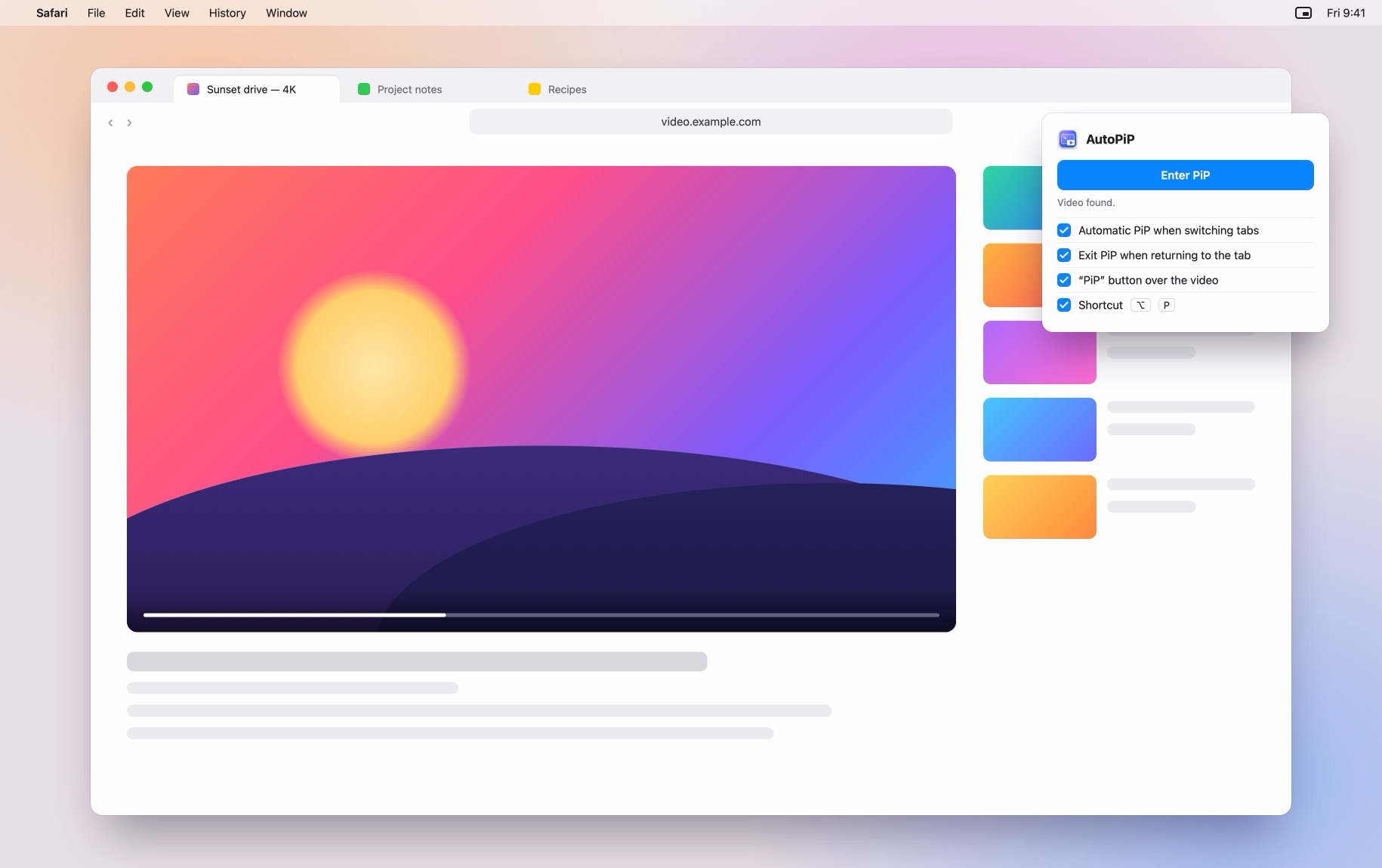
06Quiet by design
Lives in the menu bar — or hide the icon. No ads, no account, no tracking.